App or Browser: How to Choose
Both routes lead to the same games and the same wallet; the difference is convenience.
| Mobile browser | NK101 APK | |
|---|---|---|
| Setup | None | One-time install |
| Login | Typed or autofilled each time | Session is kept |
| Screen | Browser bars stay visible | Full screen |
| Updates | Nothing to do | New build installed when prompted |
| Storage | Cache only | App size on the device |
| Best for | Occasional play, iPhone, shared phones | Daily play on your own Android |
Choose the browser if you play occasionally or use an iPhone. Choose the APK if you open NK101 daily on your own Android device and want the login to stick.
Where the Official File Is
The APK is published only in the platform's own download section, which the mobile menu and the button on this page lead to. Google Play does not carry real-money casino apps for Nepal, so the file is installed manually. A copy forwarded in a Telegram or WhatsApp group, or hosted on an APK mirror, can be a modified build that looks identical and captures the login. A file from any other source should be deleted, not installed.
The NK101 APK is a free download from the platform's official download section.
Get the NK101 APKInstallation on Android
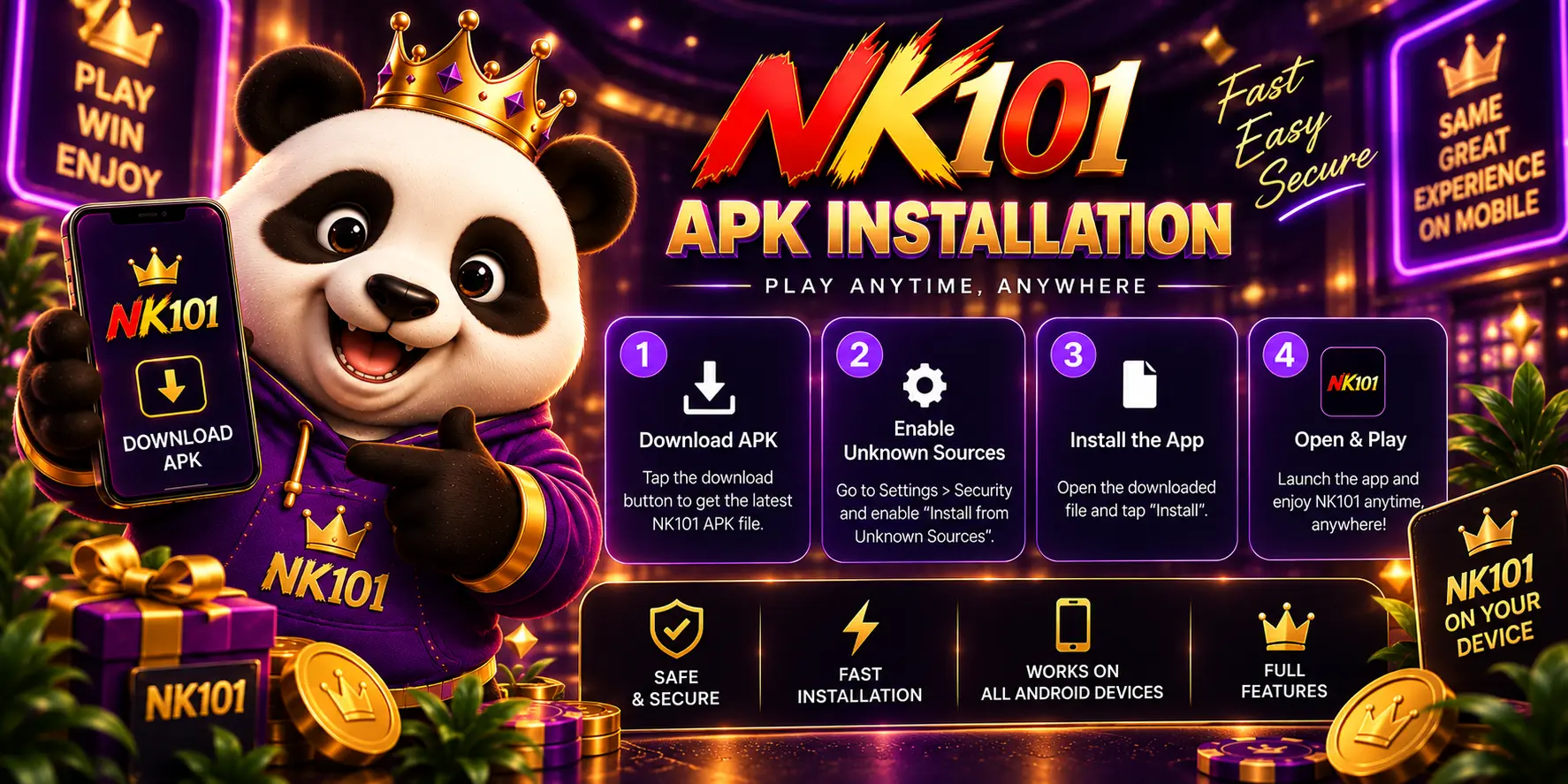
The whole process takes a minute or two; Android asks once for permission to install from a source other than Google Play.
- Open the download link on the phone and save the file;
- Allow installation from this source when Android prompts (Settings > Apps > Special app access > Install unknown apps);
- Open the file from the notification or the Downloads folder and tap Install;
- Launch NK101 and log in with the username and password;
- Switch "Install unknown apps" back off once the app is in place.
Permissions and Settings
The only setting the installation needs is the one-time permission for the browser or file manager to install unknown apps. The app itself asks for the same login as the website. It never needs a card PIN, a bank password or an SMS code outside the login and recovery flow; a request for any of those is a sign of a fake build.
Keeping the App Updated
Updates do not come through Google Play. When a new build is released, the app shows a prompt or the download page carries a newer version; installing it over the existing app keeps the login and the settings. There is no need to uninstall first, and only one version should be on the phone at a time.
iPhone and Other Devices
No iOS installation file is offered. On an iPhone, open the site in Safari and use "Add to Home Screen" from the share menu; the icon then opens the mobile version like an app, with the cashier and live tables included. Android tablets can use the APK, and a desktop browser opens the full site without any download.
Troubleshooting
The common installation errors and their fixes.
| Problem | Fix |
|---|---|
| "App not installed" | Free up storage, delete the downloaded file and download it again from the official page |
| Play Protect warning | Normal for apps outside Google Play; continue only if the file came from the official link |
| App opens but login fails | Check the username and password; use recovery from the login screen |
| Games load slowly | Switch to a stable connection; live tables need more bandwidth than slots |
| Update will not install | Download the new build again from the official page and install over the current app |
Questions and Answers
The points players in Nepal raise most often about this topic, answered briefly.
How much storage does the APK use?
The file size is shown on the download page; keep some free space for the cache as well.
Do I need to uninstall before updating?
No. The new build installs over the existing one and keeps the login.
Is the APK the same as the website?
Yes. Same account, same balance, same sections and promotions.
Can I install it on a tablet?
Yes, on any Android device that allows APK installation.
Is the Play Protect warning normal?
Yes, it appears for apps installed outside Google Play; confirm only when the file came from the official source.
What about iPhone?
Use the mobile site in Safari and add it to the home screen; no iOS file is offered.
Official file, one-minute install, the same account as the website.
Download NK101 APK